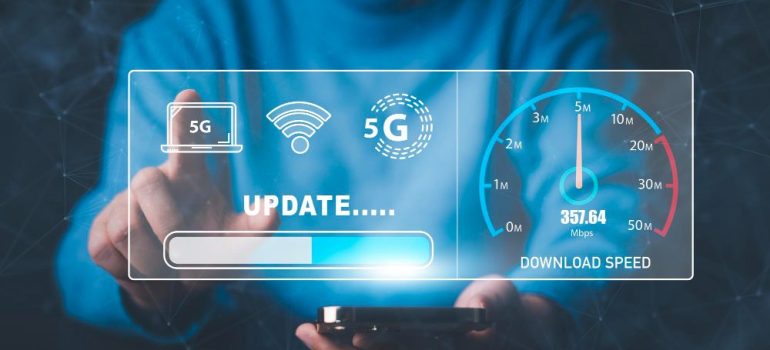
Setting up your RailWire Wi-Fi connection is simple and quick. Connect the router power adapter and plug the internet/fiber cable into the WAN/Internet port, then switch on the router and wait for the indicator lights to stabilize. On your mobile, laptop, or smart TV, open Wi-Fi settings, select your RailWire network name (SSID), and enter the Wi-Fi password provided on the router sticker or by the technician. For better security, you can change your Wi-Fi name and password by logging into the router settings through 192.168.1.1 or 192.168.0.1. To enjoy the best speed and uninterrupted streaming experience, place the router in a central open location away from walls and electronic interference. If you face any connectivity issues, simply restart the router or contact RailWire customer support at 1800-103-9139 for assistance.