FAQ

Support & Frequently Asked Questions

Find quick answers to common questions about our services, plans, and support.


What is RailWire broadband?

RailWire is a high-speed fiber broadband service designed to deliver fast, stable, and reliable internet connectivity for both homes and businesses. It uses advanced fiber-optic technology to ensure better speed, low latency, and uninterrupted performance for activities like streaming, online classes, gaming, and office work.
Installation is usually completed within 1 to 3 working days after your request is confirmed. The exact time may vary depending on your location, network availability, and technical feasibility. Our team will keep you informed throughout the process.


Getting a new connection is simple. You can apply directly through our website by filling out the connection form, or you can contact your nearest local partner. Once your request is received, our team will verify your location, guide you through the available plans, and schedule installation at your convenience.

To process your connection request, you will need a valid identity proof such as:
An Aadhar card
a passport-size photograph
An active mobile number.
These details are required for registration and verification purposes to ensure a smooth onboarding process.

RailWire services are rapidly expanding across urban and rural regions. To check availability, you can enter your location on our website or contact our support team. If service is not currently available, we may still be able to assist through nearby partners.


What should I do if my internet is not working?

If your internet stops working, first try restarting your router by turning it off and on after a few seconds. Check if cables are properly connected. If the issue continues, contact our support team or your local partner for quick assistance.


You can check your internet speed using online tools like Speedtest. Simply open the website and click “Go” to measure your download and upload speeds. For accurate results, ensure no other devices are using the network during the test.


To change your WiFi password, log in to your router settings using the IP address (usually mentioned on the router). Enter your username and password, navigate to wireless settings, and update your WiFi password. Save changes and reconnect your devices.


You can reach our customer support team via phone, WhatsApp, or email. Our support team is available to assist you with installation, billing, and technical issues to ensure a smooth experience.


If your internet speed is slow, check for background downloads, limit the number of connected devices, and restart your router. If the issue persists, contact support to check for network issues or plan-related limitations.


What are the available plans?

RailWire offers a variety of broadband plans tailored to different needs, including home users, small businesses, and enterprises. Plans vary based on speed, data usage, and pricing, allowing you to choose the one that best suits your requirements.


Yes, most RailWire plans come with unlimited data usage. However, under the Fair Usage Policy (FUP), speeds may be reduced after a certain data limit is reached. This ensures fair usage across all users while still providing continuous internet access.


You can conveniently pay your bills online using UPI, debit/credit cards, net banking, or through your local service provider. Some partners may also offer offline payment options. Timely payment ensures uninterrupted service.


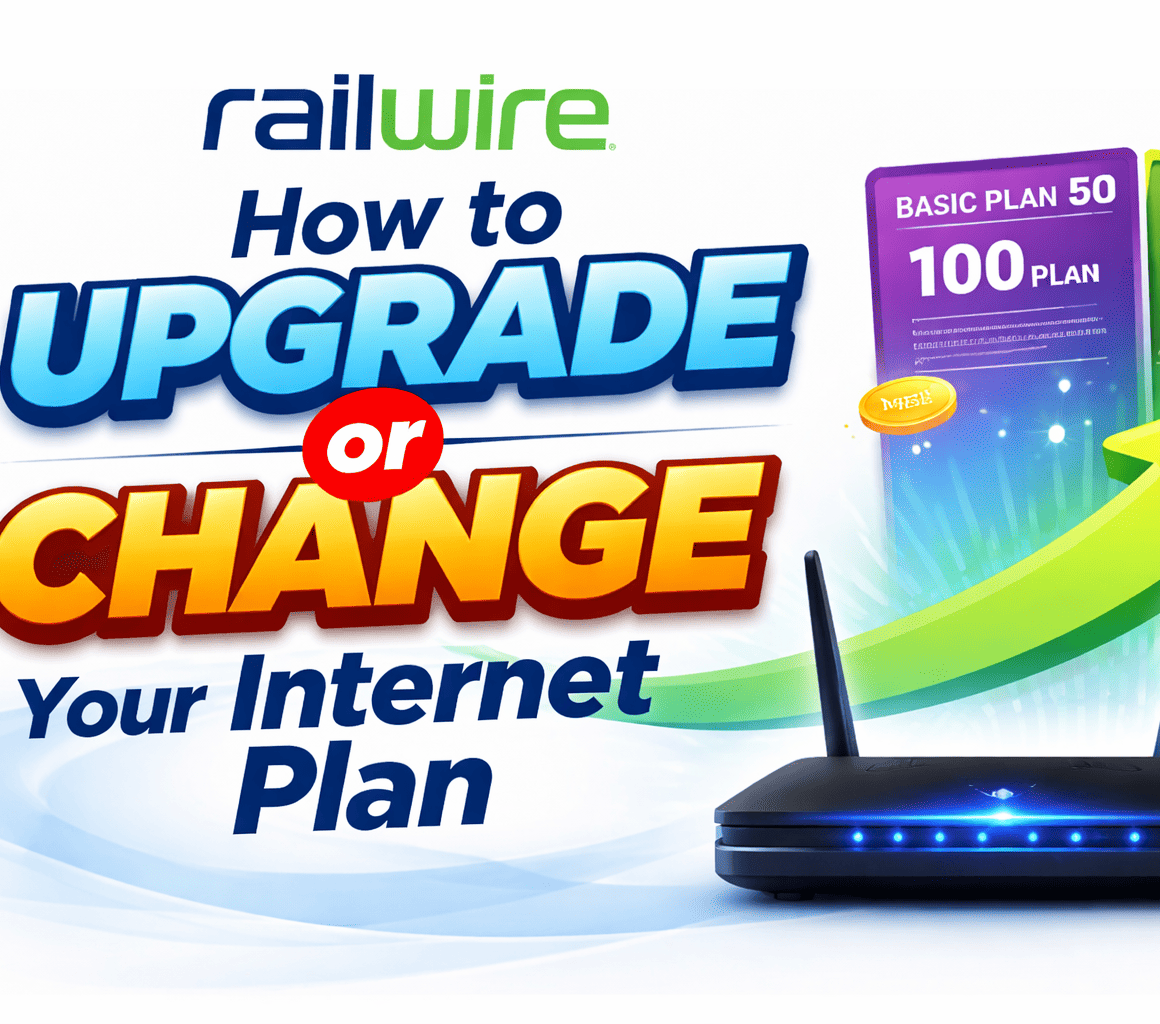
Yes, you have the flexibility to upgrade or downgrade your plan at any time. Simply contact our support team or your local partner, and they will assist you in selecting and activating a new plan based on your needs.


Yes, a detailed invoice is generated for every payment you make. You can access it through your account or receive it from your service provider. This helps you track your usage and billing history.


Guides And Downloads

Helpful guides and manuals to download

WiFi Setup Guide

Step-by-step instructions to configure your router.

Billing & Payment Guide

Learn how to pay bills, track payments, and download invoices

Troubleshooting Guide

Quick fixes and solutions for common internet and connectivity issues.


Watch easy-to-follow videos
and resolve issues quickly.

Step-by-step tutorials to guide you at every stage.

How to Apply for a New Broadband Connection.

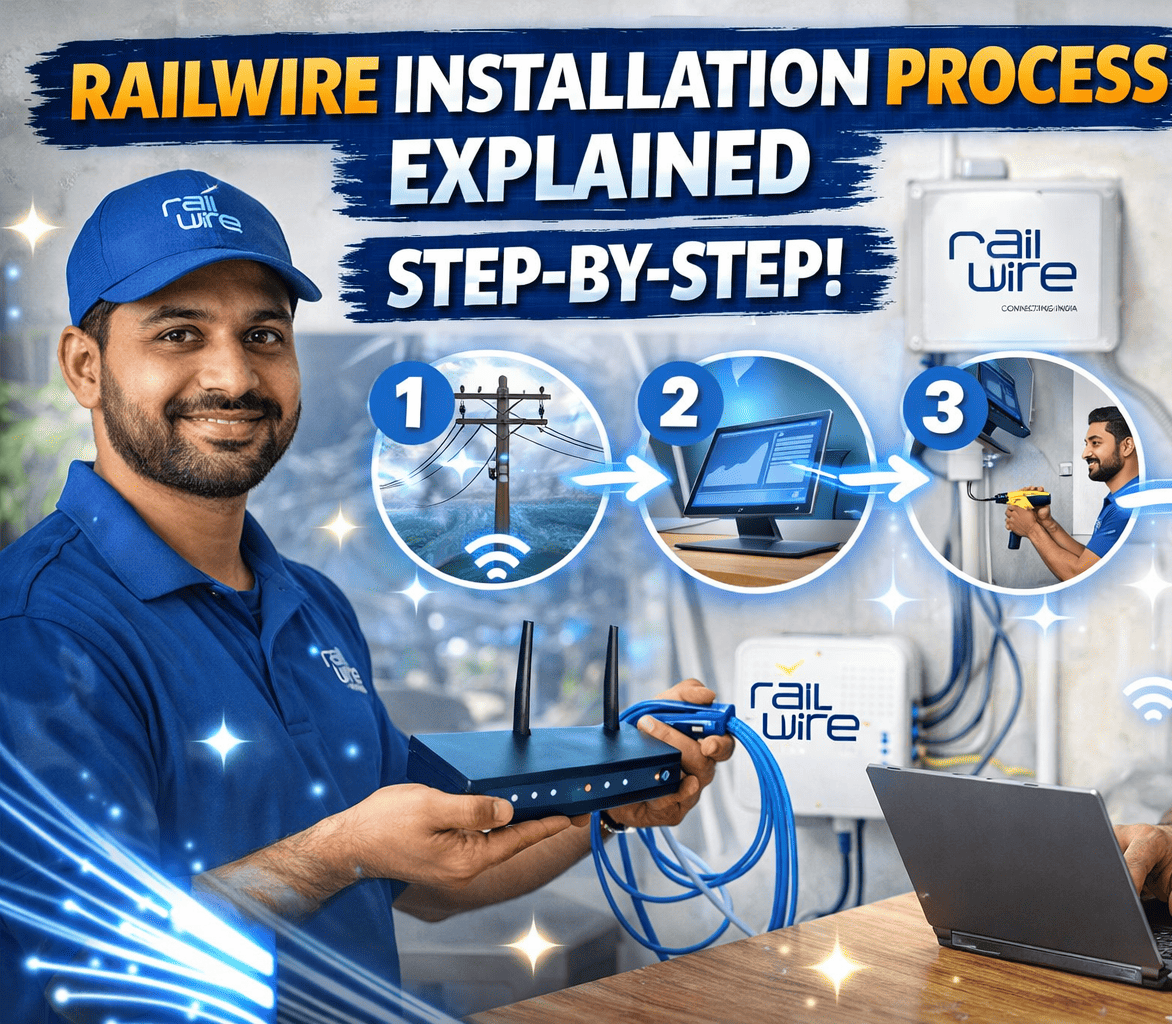
RailWire Installation Process Explained Step-by-Step

How to Choose the Right Internet Plan for Your Needs

How to Pay Your Broadband Bill Online (UPI, Card & More)

How to Download Your Invoice or Payment Receipt

How to Upgrade or Change Your Internet Plan